2026 · ● live
GPTClip:
ChatGPT code to Notepad++, one hotkey.
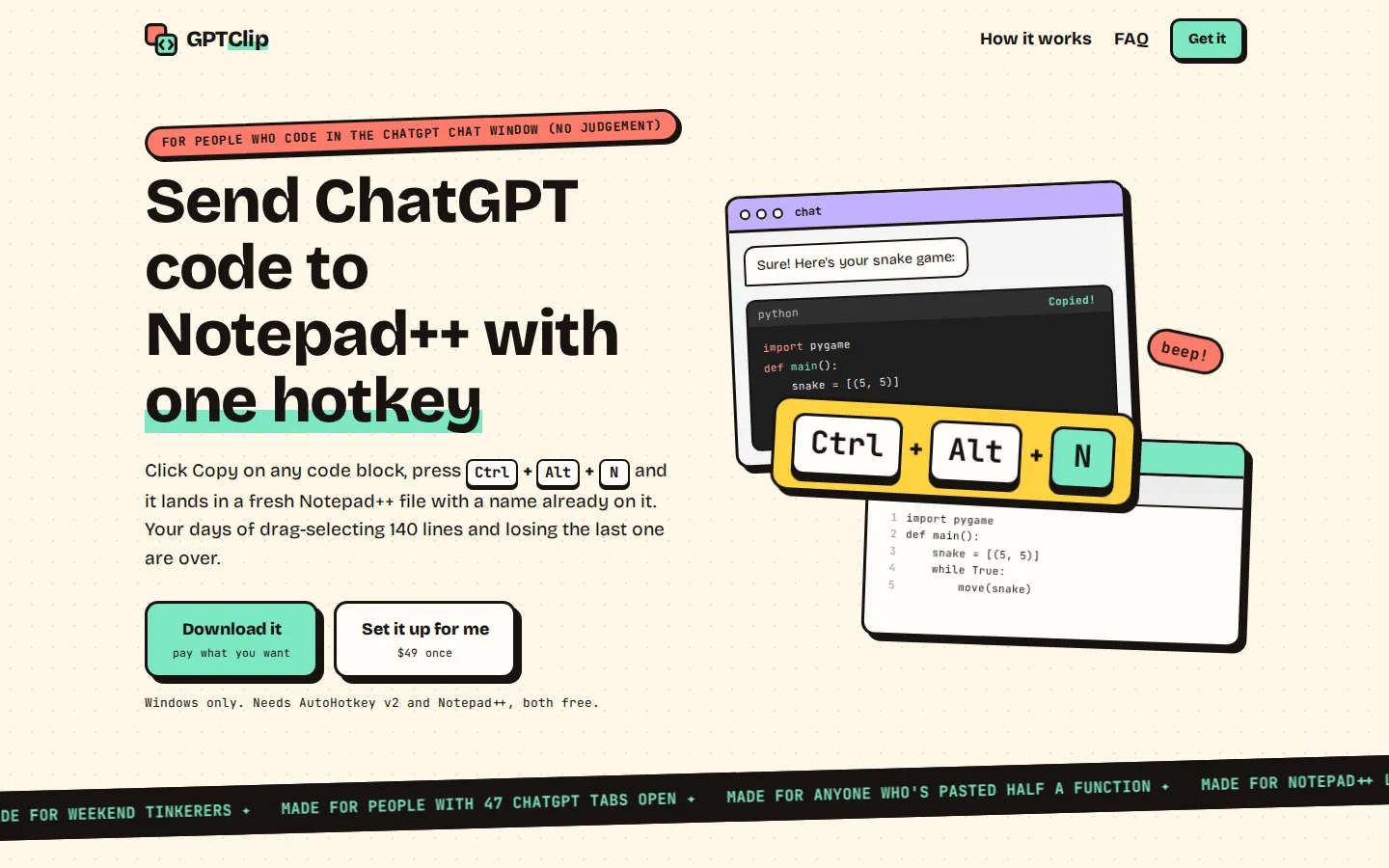
Click Copy on a ChatGPT code block, press Ctrl+Alt+N, and it opens in a new Notepad++ file. A tiny AutoHotkey script for hobby coders on Windows.
In this story
01 · The problem
Nine steps to get code out of a chat window.
Scroll up to find where the code block starts, drag-select every line, switch windows, open Notepad++, start a new file, paste, save. GPTClip's own site counts nine steps.
02 · What it does
Two steps instead.
Scratch files older than 30 days are tidied away automatically, so move anything you want to keep.
03 · How it's built
One small script you can read.
GPTClip is a small AutoHotkey v2 script in plain text, so you can read every line before you run it. It doesn't connect to the internet, and it only sends code to Notepad++ when you press Ctrl+Alt+N. It works from the clipboard, so code copied from Claude, Gemini or Copilot goes into Notepad++ the same way. It needs Windows, AutoHotkey v2 and Notepad++, and is up and running in about two minutes.
04 · Where it is now
Live. Pay what you want.
Download it on Gumroad and pay what you want; $0 is fine. Or pay US$49 once for a call where Chris sets it up with you.
Get GPTClip ↗05 · Common questions
Common questions about GPTClip
What is GPTClip?
GPTClip is a tiny AutoHotkey script for Windows. Click Copy on a ChatGPT code block, press Ctrl+Alt+N, and the code opens in a new Notepad++ file.
What do I need to run GPTClip?
Windows, AutoHotkey v2 and Notepad++. AutoHotkey and Notepad++ are both free. Setting up takes about two minutes. It works with Notepad++ only, and it does not run on Mac or Linux.
How much does GPTClip cost?
You pay what you want to download it, and $0 is fine. For US$49, paid once, Chris sets it up with you on a call.